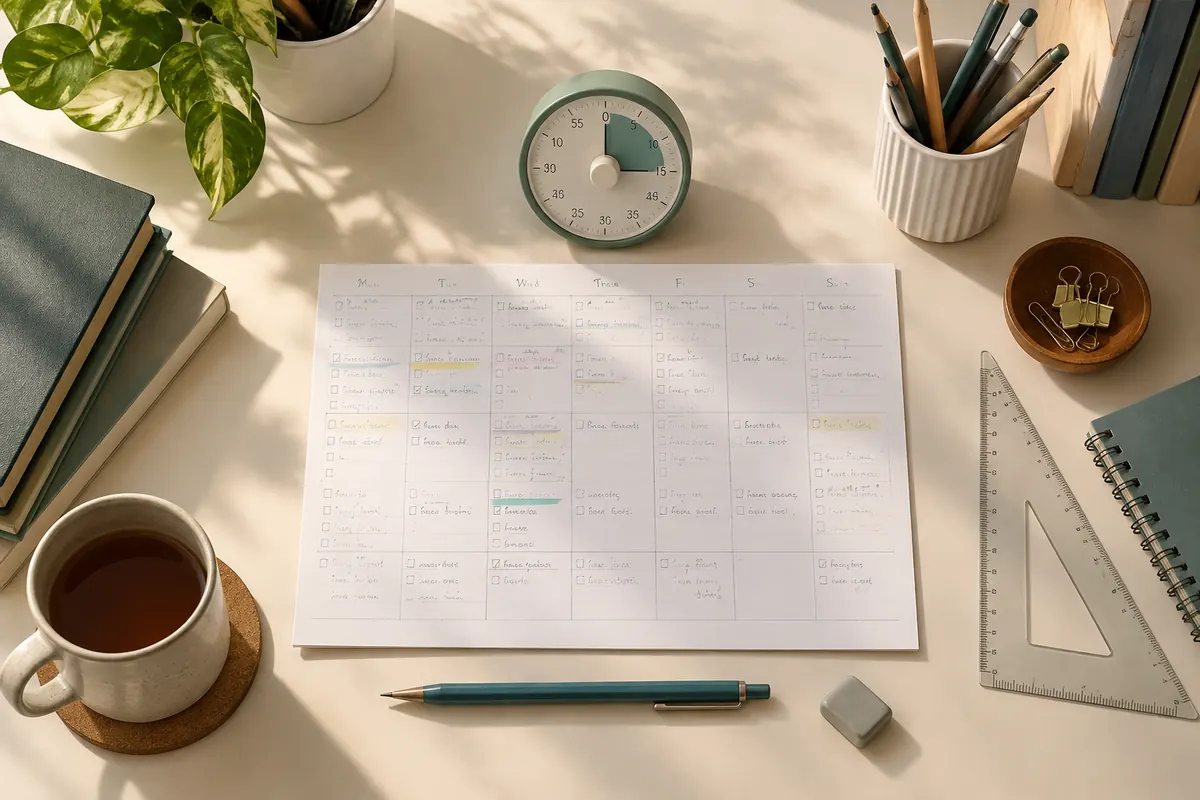
Each tool does one small job: find a gap, plan a week, time a session or drill a single skill. Use them to turn a vague worry into a named problem you can fix.
All of them run in your browser, need no account and keep your answers on your own device.
Which tool fits which problem?
| If your problem is | Start with |
|---|---|
| “I do not know what I forgot” | Prerequisite gap finder |
| “I have no revision routine” | Realistic revision planner |
| “I lose the same marks again” | Mistake log and paper-error review |
| “I run out of time” | Timed original practice session builder |
| “I cannot recall what I read” | Spaced recall planner |
| “My written answers are thin” | Command-word practice coach |
The subject tools, such as graph explorers, equation trainers and accounting practice, are listed below these general ones.
A worked sequence using three tools
Here is an example. A Form 5 student keeps losing marks on Physics motion questions.
She runs the prerequisite gap finder and sees that rearranging formulas is the weak step. She uses the algebra step repair trainer for fifteen minutes a day for a week.
She then tries the motion graph explorer and logs each wrong answer in the mistake log. By the second week her log shows careless slips, not gaps. That tells her the repair worked and her next job is timing.
How the tools connect
The general tools answer “what should I work on, and when?”. The subject tools answer “how do I drill this exact skill?”.
A good order is to find the gap, pick a subject tool to practise it, then record your results in the log. Go back to the gap finder after two weeks to see if the gap has closed.
Privacy in plain words
Answers you enter stay on your device, there are no accounts, and the tools do not send your work to us. If other people use your device, clear the stored data after each session.
When to go beyond tools
A tool can show that an answer is wrong, but it cannot explain why an idea makes sense. If you find a gap and the tools keep showing the same error, the one-hour trial class (from RM50) lets an experienced teacher look at your working and start from your level.
If you want explanations instead, the subjects library has free lessons by subject.